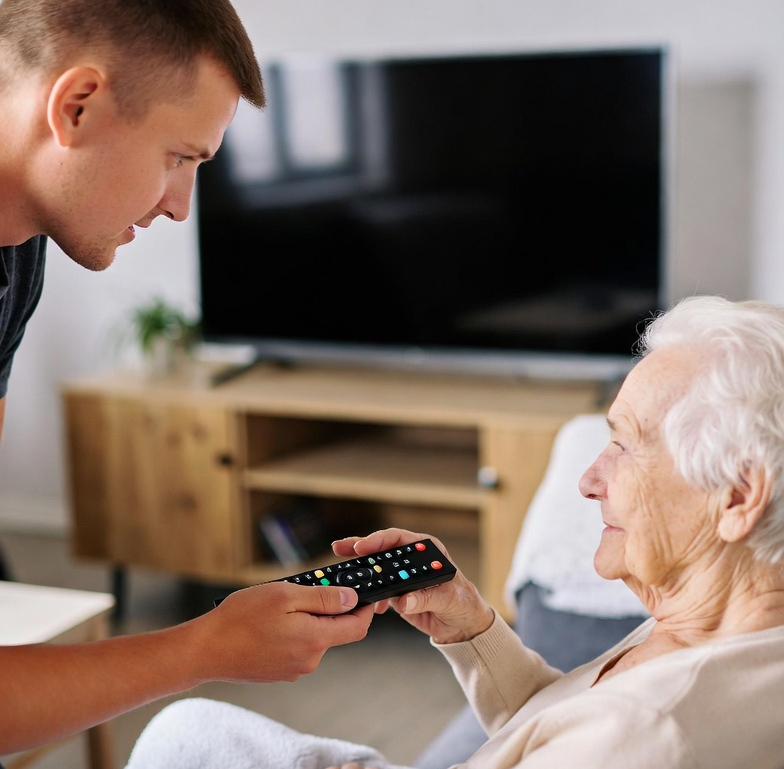
425 Media provides safe, compassionate and patient senior tech support. We provide both, in-home and remote tech support for a wide variety of elderly technical issues here in the Pacific Northwest.
Our Northwest Elderly Tech Support Services
Device Setup & Basics
- Smartphone/tablet setup and personalization — Activate new phones, transfer contacts/photos, adjust font size/volume, set up accessibility features (larger text, voice commands), install essential apps.
- Computer or laptop setup — Initial configuration, email accounts, browser favorites, antivirus installation, and organizing files/folders simply.
- Printer, scanner, or smart TV setup — Wireless printing, scanning documents, connecting to Wi-Fi, and streaming setup (Netflix, YouTube, etc.).
- Smart home device installation — Smart lights, thermostats, doorbells (e.g., Ring), voice assistants (Alexa/Google), with simple routines for daily use.
Training & Ongoing Support
- One-on-one tech lessons — Patient, step-by-step training on basics: sending emails/texts, video calls (Zoom/FaceTime), social media (Facebook for grandkids), online shopping, or using health portals/apps.
- Remote tech support — Screen-sharing sessions for troubleshooting issues like frozen screens, lost passwords, or app problems (via tools like TeamViewer).
- Group workshops or classes — In senior centers, homes, or virtually on topics like “Safe Internet Use” or “Photos & Videos with Grandkids.”
- Monthly maintenance visits/subscriptions — Regular check-ups for updates, cleaning junk files, backup setup, and quick fixes.
Connectivity & Home Tech
- Wi-Fi and internet setup/troubleshooting — Router configuration, extending coverage, solving weak signal issues.
- Video calling and family connection setup — Helping set up and practice calls to reduce isolation.
- Streaming and entertainment — Setting up TV streaming, music services, or e-readers with large fonts/audiobooks.
Security & Safety
- Scam protection and cybersecurity basics — Education on spotting phishing emails/texts, setting up strong but memorable passwords, enabling 2-factor authentication, and reviewing suspicious messages.
- Fraud monitoring — Optional add-on: reviewing emails/texts for red flags (some services like Quincy do this).
- Data backup and recovery — Setting up automatic cloud backups (photos, documents) and helping retrieve lost files.
Specialized/Advanced Services
- Photo digitization and organization — Scanning old photos, transferring from old cameras, creating digital albums or slideshows.
- Medical/tech health device support — Pairing wearables (Fitbit, blood pressure monitors), setting up telehealth apps/video visits, or medication reminder apps.
- Accessibility upgrades — Recommending/adjusting devices for vision/hearing/mobility needs (e.g., voice-to-text, hearing aid Bluetooth pairing).
- Device purchasing assistance — Helping choose senior-friendly tech (simpler phones, large-screen tablets) and comparing options.
We are the premier IT tech support for seniors in the Pacific Northwest.
Contact Elderly Technical Support
Give me a call, night or day: